

Introduction
Google is best known as a search engine, but it has always had a playful side. Over the years, it has tucked small games and visual tricks into its results pages, and one of the most loved is the brick-smashing game many people call Google Block Breaker. Its official roots are in Atari’s Breakout, and it first appeared in Google Images as a tribute to that arcade classic.
This guide explains what the game is, where it came from, and how Google created it. You will also learn how to play it today, how to score higher, and what to do when it refuses to load. The article is written in plain language so anyone can follow it, even if you have never played a brick breaker game.
What Google Block Breaker Actually Is
Google Block Breaker is not a separate app or a page with its own address. It is an Easter egg, which means a hidden feature placed inside a normal Google page for people to discover. When it launched, the game was named Image Breakout, and it used the pictures from an image search as the bricks. The page changed from a grid of thumbnails into a playable arcade screen.
The idea behind the game is simple. You move a paddle along the bottom of the screen, bounce a ball upward, and break rows of bricks. If the ball slips past your paddle, you lose it, and once you lose all your chances the game ends. Google Search Easter eggs run inside an ordinary browser tab, so there is nothing to install, no sign-in, and no extra permissions to grant. That makes it easy to try in a few seconds.
The Arcade History of Breakout
The Google game only makes sense when you know the original. Atari released Breakout in 1976, and its premise was easy to grasp. Using a pixelated paddle, players knocked a pixelated ball into a wall of pixelated bricks. Break enough bricks and you win, miss the ball and you lose. The game was created by Nolan Bushnell and Steve Bristow, and it was based on the earlier game Pong, which was a two-player table tennis game.
It is also widely reported that a young Steve Jobs and Steve Wozniak worked on the hardware for Breakout, which gives the game an extra place in technology history. The game became a staple in arcades and on home systems, and a follow-up called Super Breakout arrived a few years later. Its minimal graphics and simple rules made it welcoming to almost everyone, and it inspired a long line of brick-breaking games. That lasting influence is why Google chose it for a tribute.
How Google Launched the Game in 2013
Google introduced the Easter egg in May 2013 to celebrate the 37th anniversary of Breakout. Players went to Google Images and searched for Atari Breakout. The normal results loaded for a moment, and then the screen changed into the game, with the results turned into blocks. Many people believe this was the first Easter egg placed inside Google Images.
The launch was popular because it was clever and free of clutter. There was even a link to return to regular image results, in case you really wanted pictures of the game and not a round of play. News sites, gaming blogs, and search industry writers all covered it within a day or two. Some of them joked about how much work time the game would waste, which shows how quickly it spread.
How the Game Plays: Rules, Colors, and Controls
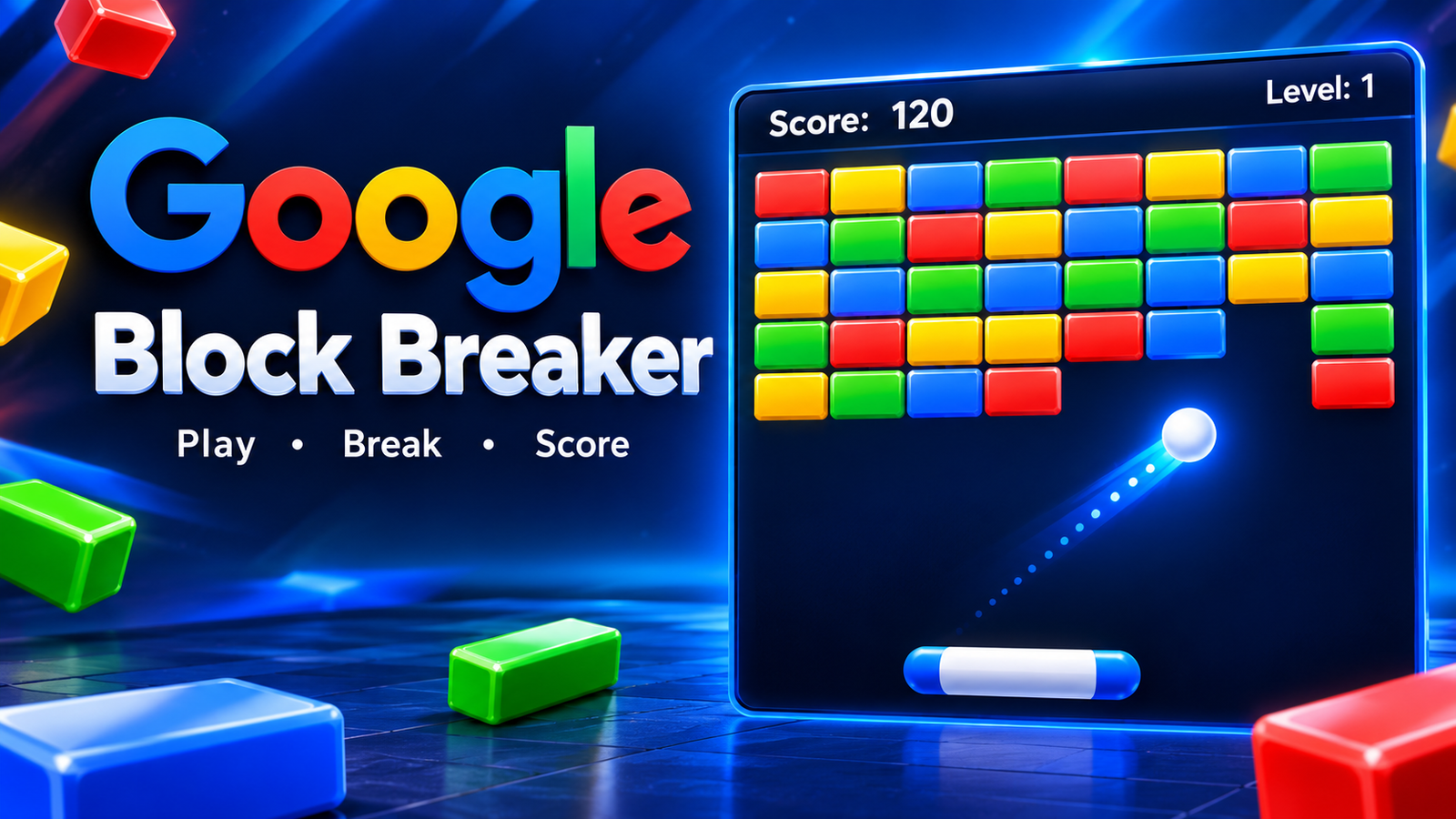
The rules stay close to the arcade version. At the top of the screen, you see rows of bricks colored blue, green, yellow, orange, and red, though some players saw only four rows. You control a blue bar at the bottom using your mouse or the left and right arrow keys. With that bar, you aim a gray ball at the images you want to break.
You begin with five balls, and you lose one each time a ball touches the bottom of the screen. When you clear a wall, you move to the next level, which is simply a new set of pictures. Early players reported levels made of random subjects such as ginseng, mayonnaise, Tahiti, an English Cocker Spaniel, and Macau. The difficulty stays fairly steady from level to level, so your score depends mostly on how well you control the paddle.
Scores, Sharing, and Player Reactions
When a game ended, Google offered a way to share your result. The message on Google+ said you had played on Google Image Search, named the level you reached, and asked friends whether they could beat your score. You could also share through a short custom link. Google+ was shut down years later, so that feature no longer works, but it was a big part of the fun at launch.
Early players posted their scores online, and reports from the time mentioned results in the 600s and 700s, with one score close to 2000. Reviewers said the game played surprisingly well for something hidden inside a search page. Others noted that it felt similar in spirit to Google’s earlier Easter eggs, such as the Zerg Rush game, which let players shoot enemies that devoured the search results.
How to Play Google Atari Breakout Today
Finding the game now takes a bit more effort because reports differ. Several guides say the original Google Images method was removed, and that the game still runs from the main Google page. To try this, go to Google.com, type Atari Breakout in the search bar, and click the button labeled I’m Feeling Lucky instead of pressing Enter. The game should then load on the screen, with the same paddle, ball, and five lives.
One guide warns that a normal search or the Images tab may only show screenshots of the game without anything to play. Yet some recent lists of working Easter eggs still say the Images method turns results into colored blocks. Since Google can change or retire these features at any time, it is smart to try both routes. Some Easter eggs also run only on desktop, in English, or in certain countries, so checking your language setting and using a computer can help.
Tips to Score Higher
A strong trick is to make a hole in the wall and send the ball through it. Once the ball gets above the bricks, it bounces around and destroys many images at once. This gives you a short break and time to get your paddle ready for the return. Many good players aim for the sides of the wall first to build this path.
Paddle control is just as important as aiming. Hitting the ball with the edge of the paddle sends it off at a sharper angle, while hitting it with the center sends it more directly upward. Try to watch the ball’s direction and move early instead of chasing it at the last moment. Smooth mouse movement is often easier to control than tapping the arrow keys, though both work once you get used to them. Staying calm after you lose a ball also helps, because rushed shots usually cost you another one.
Phones, elgooG, and Staying Safe
The game was built with desktop browsers in mind, so phones have always been harder. A common suggestion for mobile is to search for Atari Breakout in your phone’s browser and open the first result, which points to a site called elgooG. The game starts right away, and it is the same experience, although it does not run inside Google Search itself.
elgooG is a website that keeps copies of popular Google Easter eggs that have been removed over the years, and the Atari Breakout game is hosted there. It is a useful backup, but it is a third-party site and not Google. Play inside the page, and do not download files or accept notification requests from any mirror. Playing on Google itself is safe, since it runs like any normal search result.
Conclusion
Google Block Breaker is a small but memorable part of internet history. It began in 2013 as a birthday gift to a game from 1976, and it showed how a simple idea can turn a plain page of search results into something fun. Whether you find it through the I’m Feeling Lucky button, the Images tab, or a mirror site like elgooG, the game is easy to learn and hard to put down.
Google has a habit of retiring Easter eggs, so the exact method to play may change again. Even so, the appeal of bouncing a ball at a wall of colorful bricks has lasted for nearly fifty years. Open a computer, aim for the corners, build a path to the top, and see how many bricks you can clear.
