

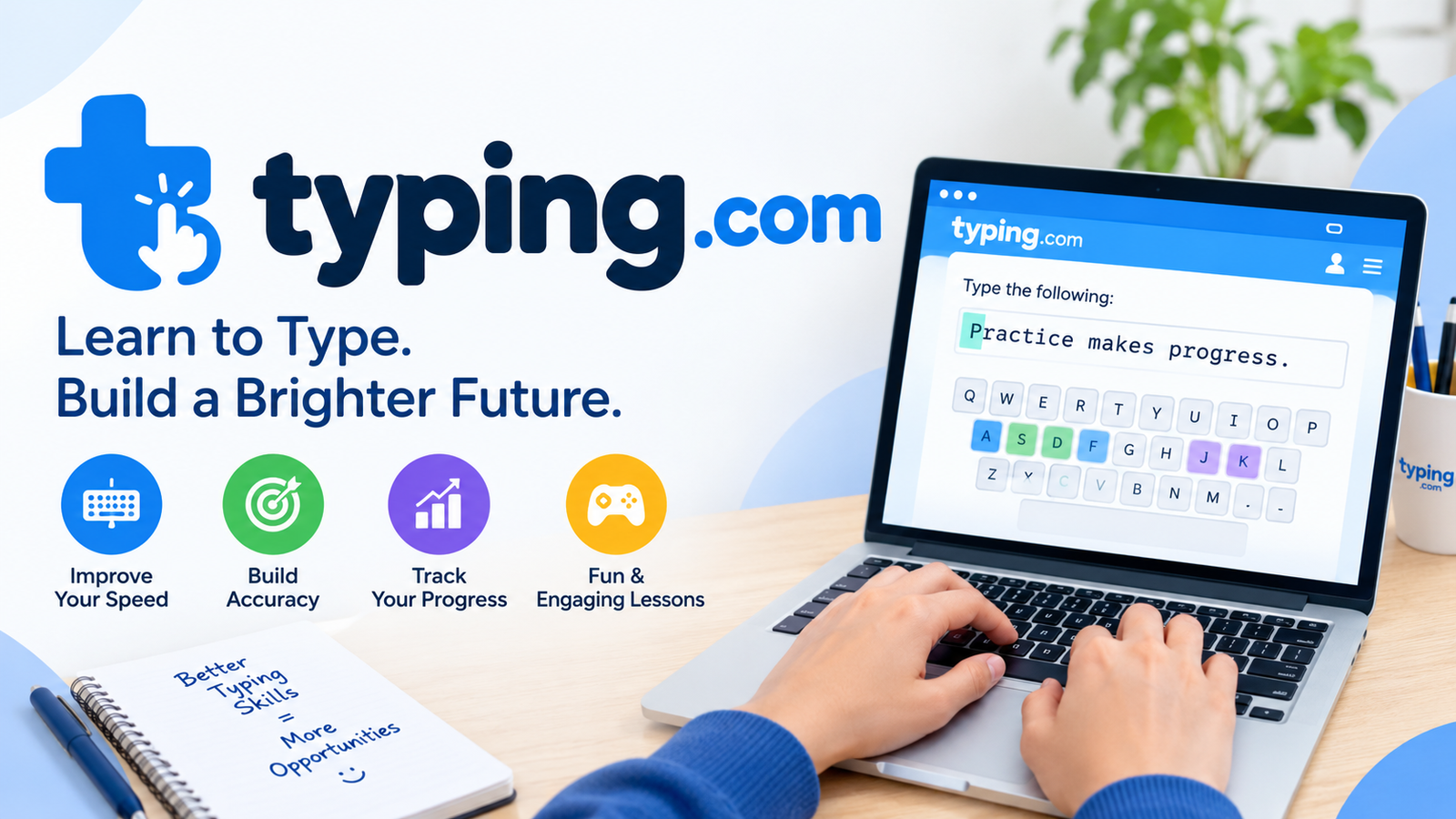
Typing is one of the most useful skills a person can learn today. We type emails, school essays, reports, messages, and search queries every day, and the faster and more accurately we do it, the more time we save. Typing.com is one of the best-known websites for learning this skill, and it has helped millions of students, teachers, and adults improve their keyboard habits.
This guide explains what Typing.com is, how its lessons work, and what it offers beyond basic typing practice. You will also find details about its tests, games, classroom tools, pricing, and tips for getting better results. Whether you are a parent, a teacher, a student, or an adult learner, this article will help you decide how to use the platform well.
What Is Typing.com?
Typing.com is a free online typing tutor that runs in your web browser. You do not need to download software, which makes it easy to use on school computers, home laptops, and library devices. The site was once known as TypingWeb, and over the years it has grown from a simple practice page into a full learning platform for keyboarding, digital literacy, and coding basics.
The website is designed for a wide range of learners. Young children can begin with simple lessons that show them where the letters are, while older students and adults can work on speed and accuracy. Many schools in the United States and other countries use it as part of their K-12 technology programs, and many families use it at home because the core lessons cost nothing.
How Touch Typing Works on the Platform
The main goal of Typing.com is to teach touch typing. This means typing without looking at the keys, using all ten fingers, and relying on muscle memory. Each finger has its own set of keys, and the lessons train you to reach for them from the home row, which is the middle row of letters where your fingers rest.
The lessons begin slowly. You learn a few keys at a time, practice them in short exercises, and then combine them into words and sentences. The site shows a keyboard on the screen so you can see which finger to use, and it highlights mistakes right away. This quick feedback helps you fix errors before they become habits. Over time, your fingers learn the layout, and your eyes can stay on the screen where your words appear.
Lessons, Courses, and Skill Levels
Typing.com offers many courses that match different skill levels. Beginners start with basic lessons on the home row, top row, bottom row, numbers, and punctuation. Once these are comfortable, learners move to intermediate and advanced courses that use longer words, full sentences, and short paragraphs. The step-by-step design means you never face a big jump in difficulty.
There are also special lessons for people with specific goals. Some focus on the numeric keypad, which is useful for accounting and data entry jobs. Others cover practice with specialized vocabulary, such as medical terms, for people who plan to work in healthcare offices. The platform also supports more than one language, so learners who speak Spanish or Portuguese can find material that suits them. Because each lesson ends with a score, you can always see how much you have improved.
Typing Tests and Words Per Minute
A typing test is the easiest way to measure your progress. Typing.com gives you timed tests of one, three, and five minutes. In each test, you copy a passage as quickly and accurately as you can, and the site calculates your words per minute, often shortened to WPM, along with your accuracy score. A shorter test gives a quick snapshot, while a longer test shows how well you keep your speed over time.
Many beginners type at a speed between 20 and 40 WPM, while skilled typists can reach 60, 80, or even higher. Speed is only half of the picture, though. Accuracy matters just as much because fixing mistakes slows you down and can hurt the quality of your work. After you finish a test, you can often receive a typing certificate. Students use these to show teachers what they have learned, and job seekers sometimes use them to support applications, although employers may have their own rules about which tests they accept.
Typing Games for Fun Practice
Practice can feel repetitive, so Typing.com includes typing games to keep learners interested. In these games, you type words or letters to complete tasks such as popping balloons, defending a base, or beating a timer. The more correct keys you type, the better you do. This turns drills into a challenge that many children and teens enjoy.
The games work best when used together with the main lessons. The lessons teach proper finger placement and technique, while the games build speed, focus, and quick reactions. Some games let you pick easy, medium, or hard levels, so beginners and experienced typists can both find a suitable challenge. Teachers often use them as short rewards at the end of a class, and parents can use them to make home practice more enjoyable.
Digital Literacy and Coding Lessons
Typing.com is more than a typing program. It also includes digital literacy lessons that teach students how to use computers in a safe and smart way. Topics include using common software, formatting text, adding images to documents, and understanding basic online safety. These lessons help students build confidence with the tools they will use in school and at work.
The platform also offers introductory coding lessons for learners who are curious about computer programming. These lessons are simple and are meant to give students a first taste of how code works. Combined with typing practice, this makes the site a helpful starting point for children who are growing up with technology. For adults who are less familiar with computers, the digital literacy material can fill knowledge gaps that typing practice alone would not cover.
Tools for Teachers and Schools
For teachers, Typing.com works like a classroom helper. A teacher can create classes, add students, assign lessons, and review progress from one dashboard. The reports show details such as typing speed, accuracy, and the time each student has spent practicing. This makes it simple to find students who need extra support and to share results with parents or school leaders.
The platform also works with tools that many schools already use. Students can sign in with Google or Microsoft accounts, and the site supports school systems such as Clever and ClassLink, which saves time at the start of the school year. A Google Classroom add-on allows teachers to attach lessons and tests directly to assignments. Lessons are also arranged by grade level, so teachers can match them to expectations such as typing a certain number of words per minute with strong accuracy.
Free and Premium Plans
The core lessons, tests, and games on Typing.com are free, and this is one of the main reasons for its popularity. A learner can work through a complete typing course without paying anything. This is a big benefit for families with a limited budget and for schools that want to offer typing practice to every student.
The free version does show advertisements, and some users find them distracting during lessons. For those who prefer a cleaner experience, paid plans are available for individuals and schools. These usually remove ads and add extra features, such as more detailed tools for teachers. Prices can change over time, so it is wise to check the official website before you decide. Many people find that the free plan is enough, especially for casual learners.
Tips for Getting Better Results
Consistency is the best way to improve. Practicing for fifteen to twenty minutes each day works better than one long session once a week because your fingers need regular repetition to build muscle memory. Sit with a straight back, keep your wrists relaxed, and place your feet flat on the floor. Good posture helps you type comfortably and lowers the risk of strain.
Try to resist the urge to look down at the keys, even when it feels slow. Looking at the keyboard may seem faster at first, but it stops you from learning true touch typing. Focus on accuracy before speed, and aim for a high accuracy score before you try to push your WPM higher. Take a typing test every week or two to track your progress, and use the games when you need a change of pace. Small improvements add up quickly with steady effort.
Conclusion
Typing.com is a practical, beginner-friendly platform that makes learning to type simple and enjoyable. Its structured lessons, timed tests, games, and digital literacy courses give learners a complete path from their first keystroke to confident, fast typing. Teachers benefit from its classroom tools, and families benefit from its free access.
The site does have a few drawbacks, mainly the ads in the free version, but these are small compared with what it offers. If you want to type faster, improve your accuracy, or help a child build strong computer skills, Typing.com is a good place to start. With regular practice and a patient attitude, almost anyone can see real progress in just a few weeks.
